
Once narration is written, every segment still needs the right B-roll.
AI Video Agent
Import a script. The AI understands the pacing, plans A-roll and B-roll shots, and generates video assets you can keep editing.
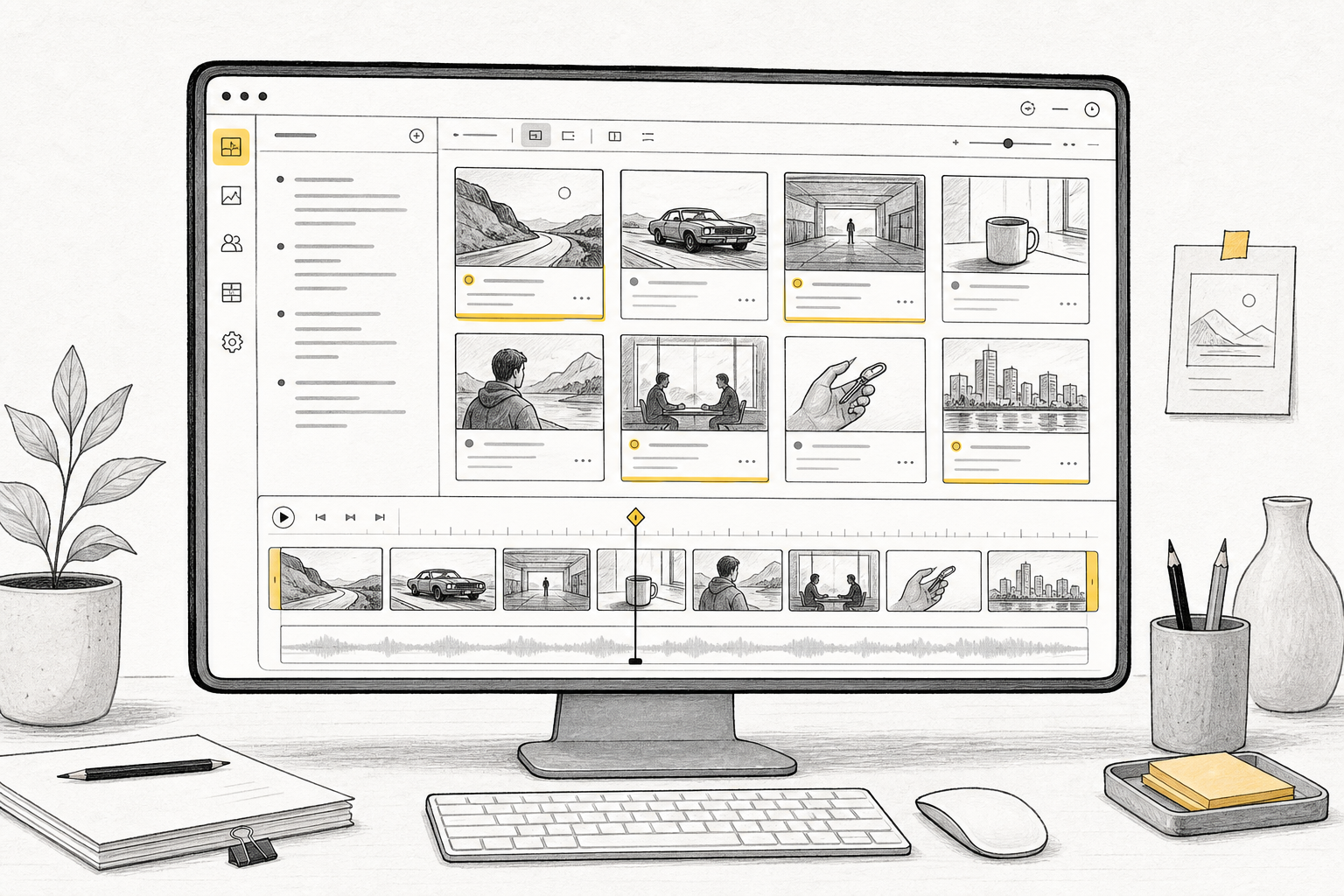
Creative bottlenecks
From script to B-roll, the hard part is keeping shots, prompts, and assets connected.
Once narration is written, every segment still needs the right B-roll.

Shot planning, prompt writing, and video generation often happen in separate tools.

If generated results are not tied to shots, they are hard to track and replace during editing.
Workflow
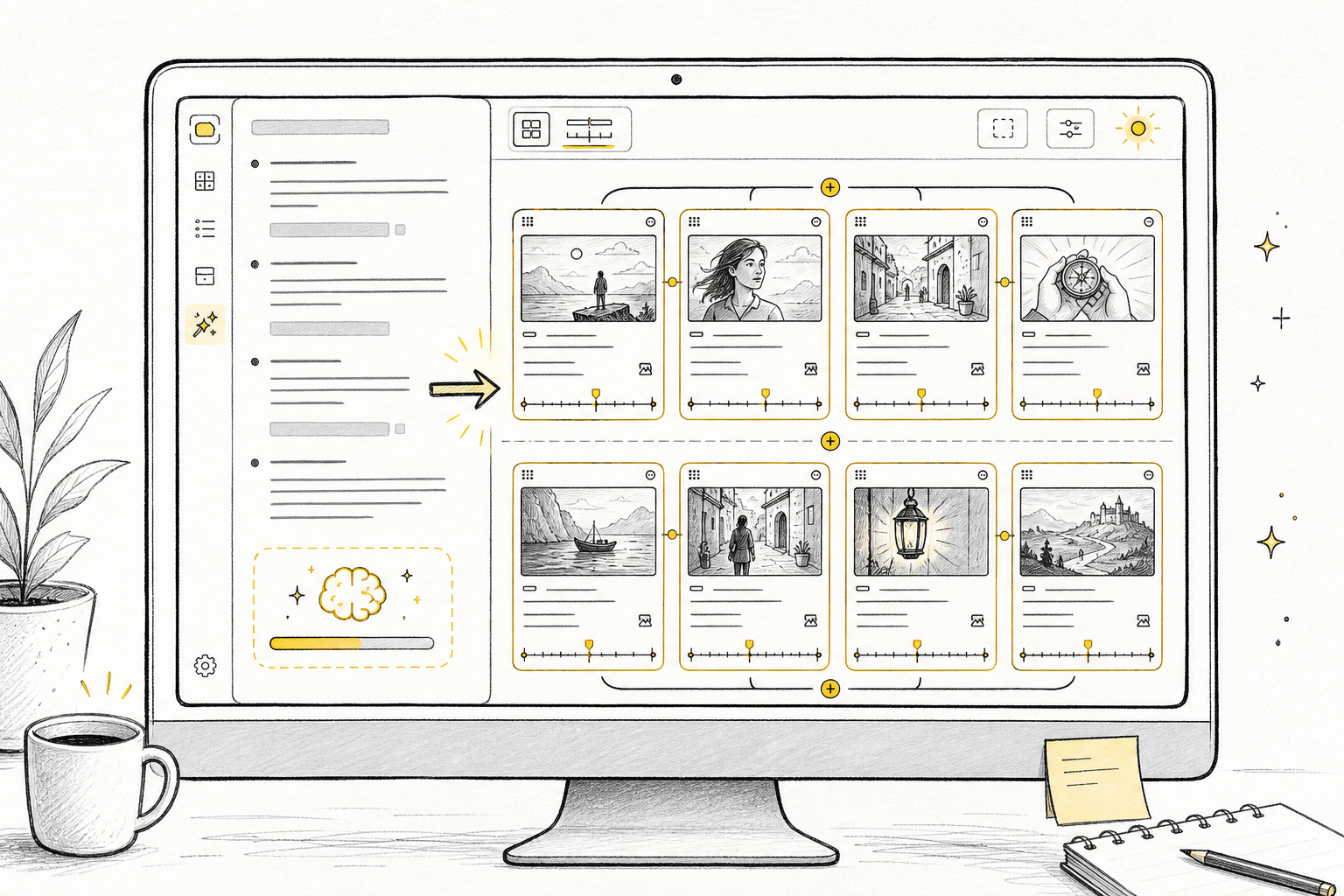
The AI first understands the content and pacing, finds the shots that need generation, then creates image and B-roll video assets.
Talking-head scripts, story scenes, course segments, or ad points.
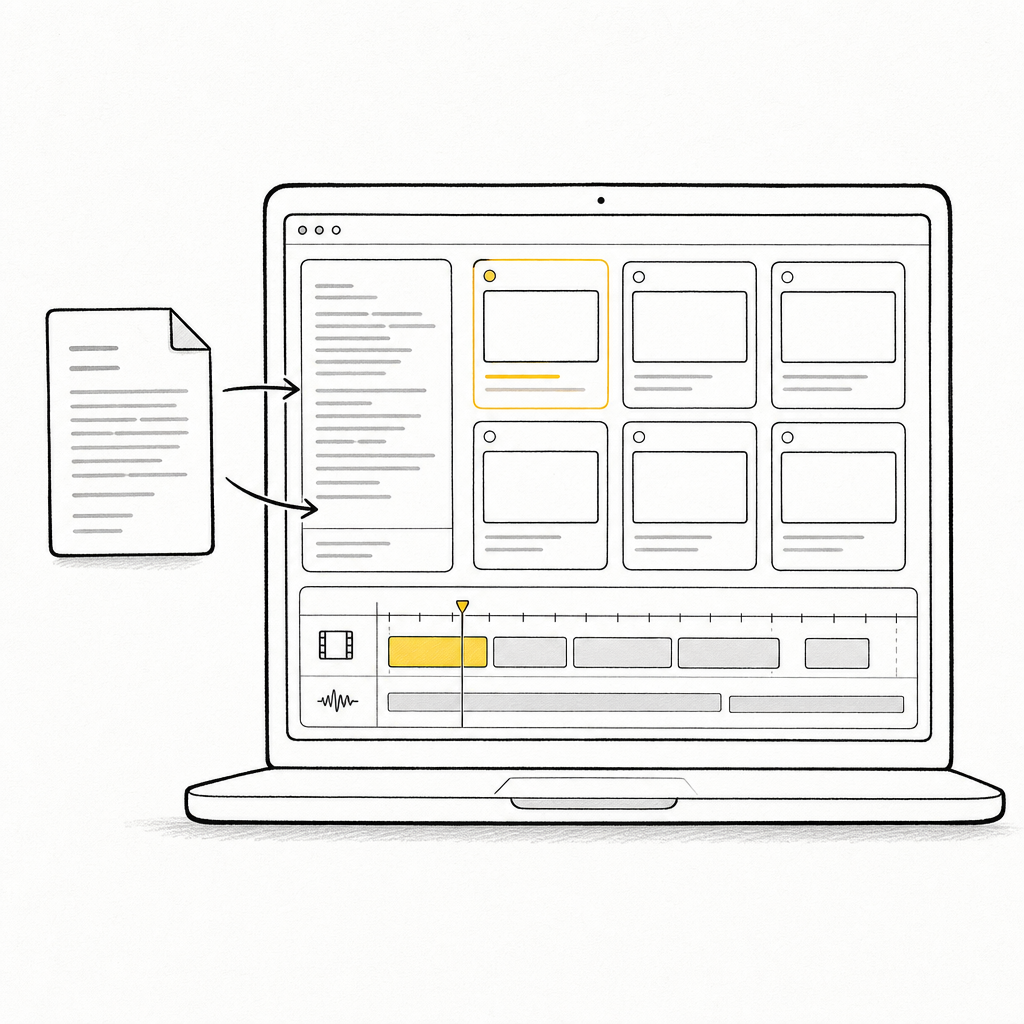
Detect A-roll, B-roll, visual intent, and pacing.
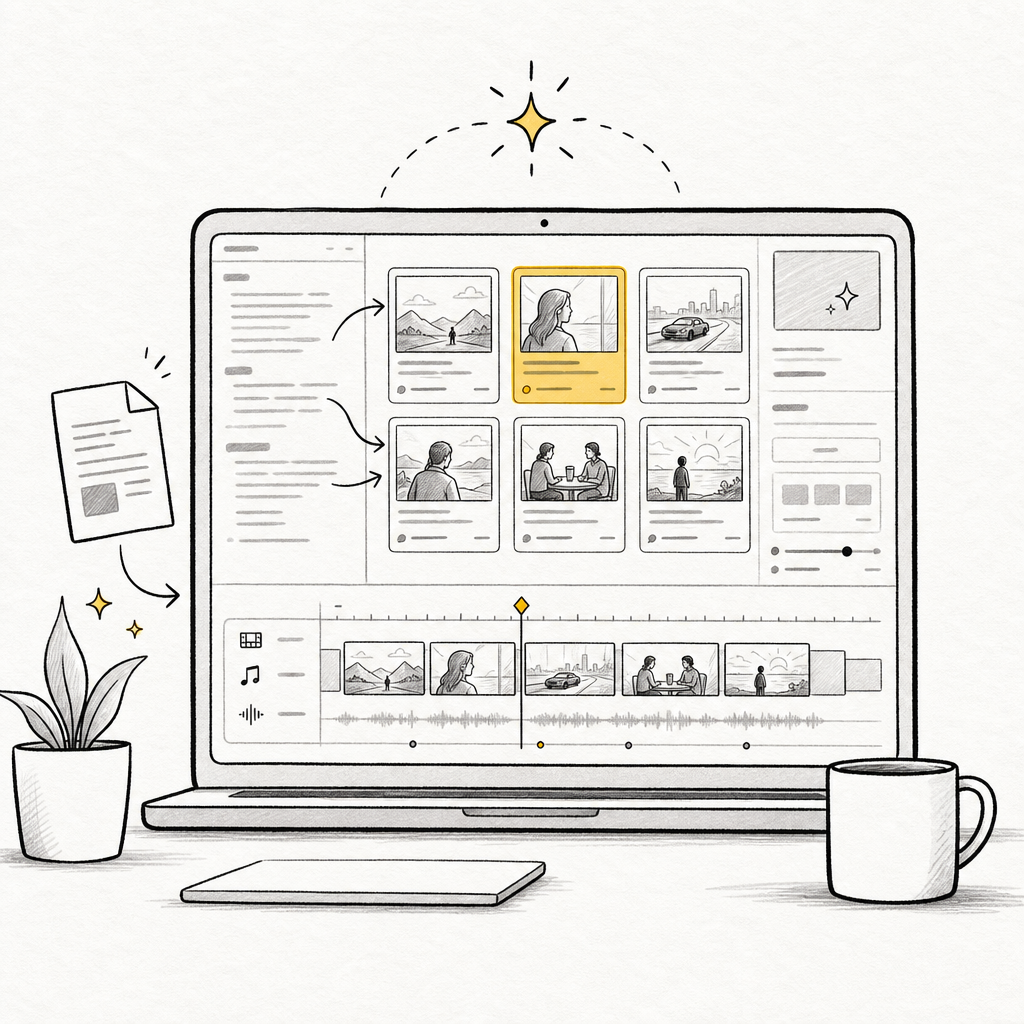
Use Seedance and ChatGPT Image to generate shot assets.
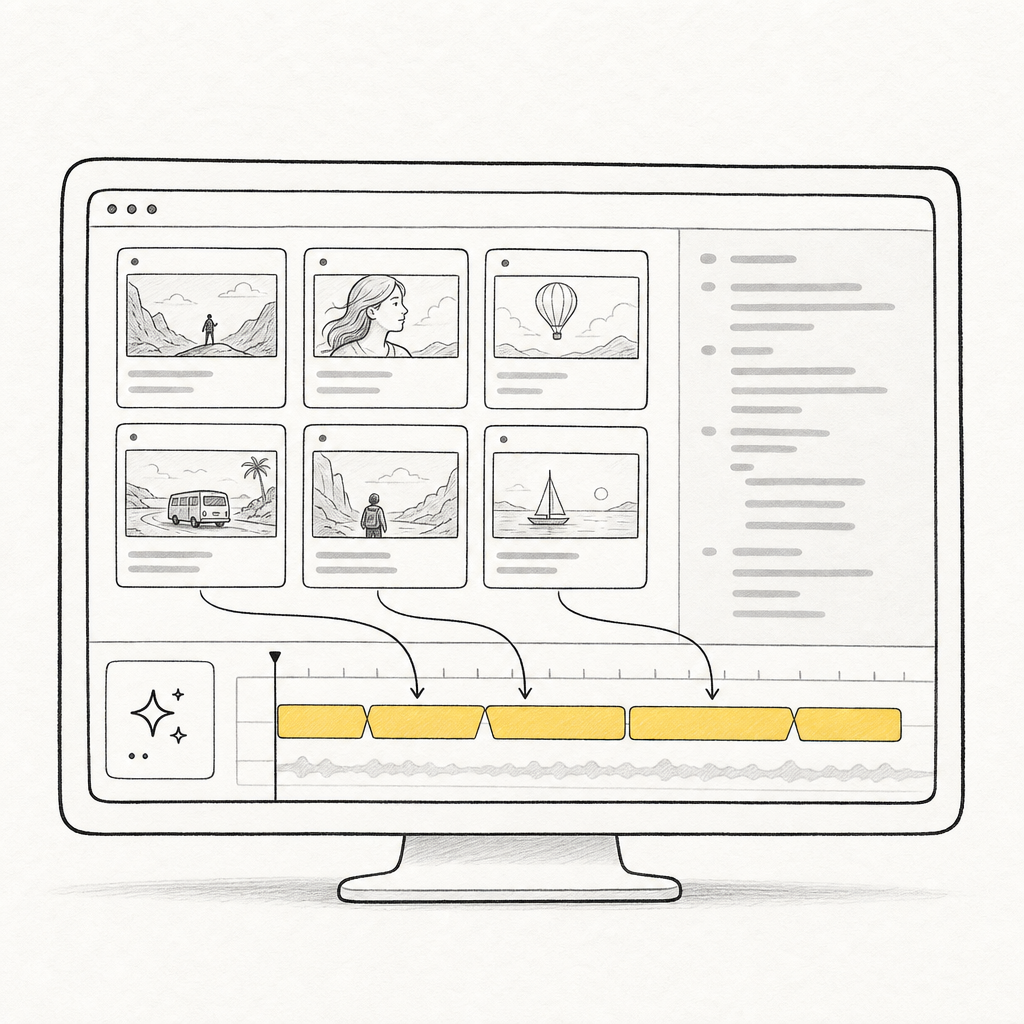
Generated assets return to the right shots so you can keep editing.
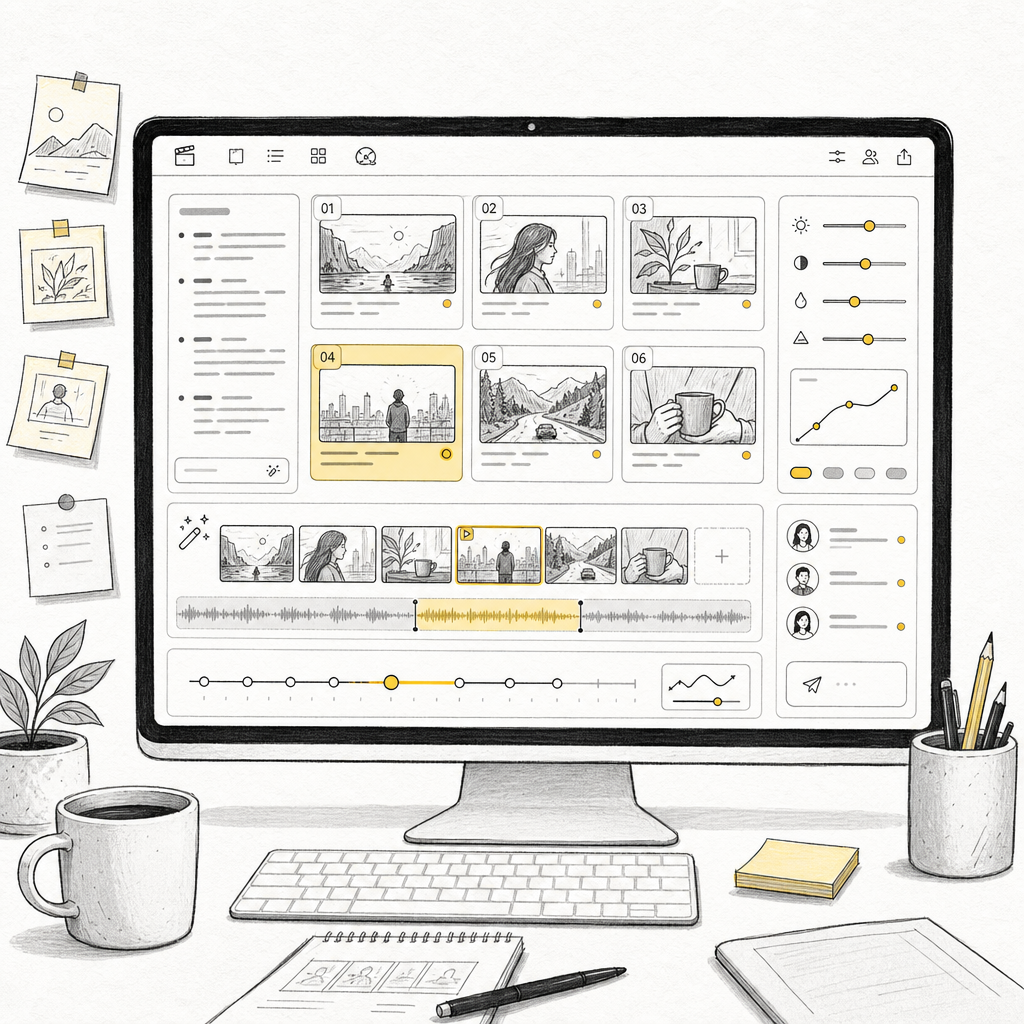
Core Agent capabilities
MkBoard's Agent understands your script, automatically breaks it down, and uses AI models to generate the B-roll visuals you want.
Give it a topic, script, or idea. The AI reads content structure, talking-head segments, B-roll visuals, and pacing instead of mechanically chopping text.
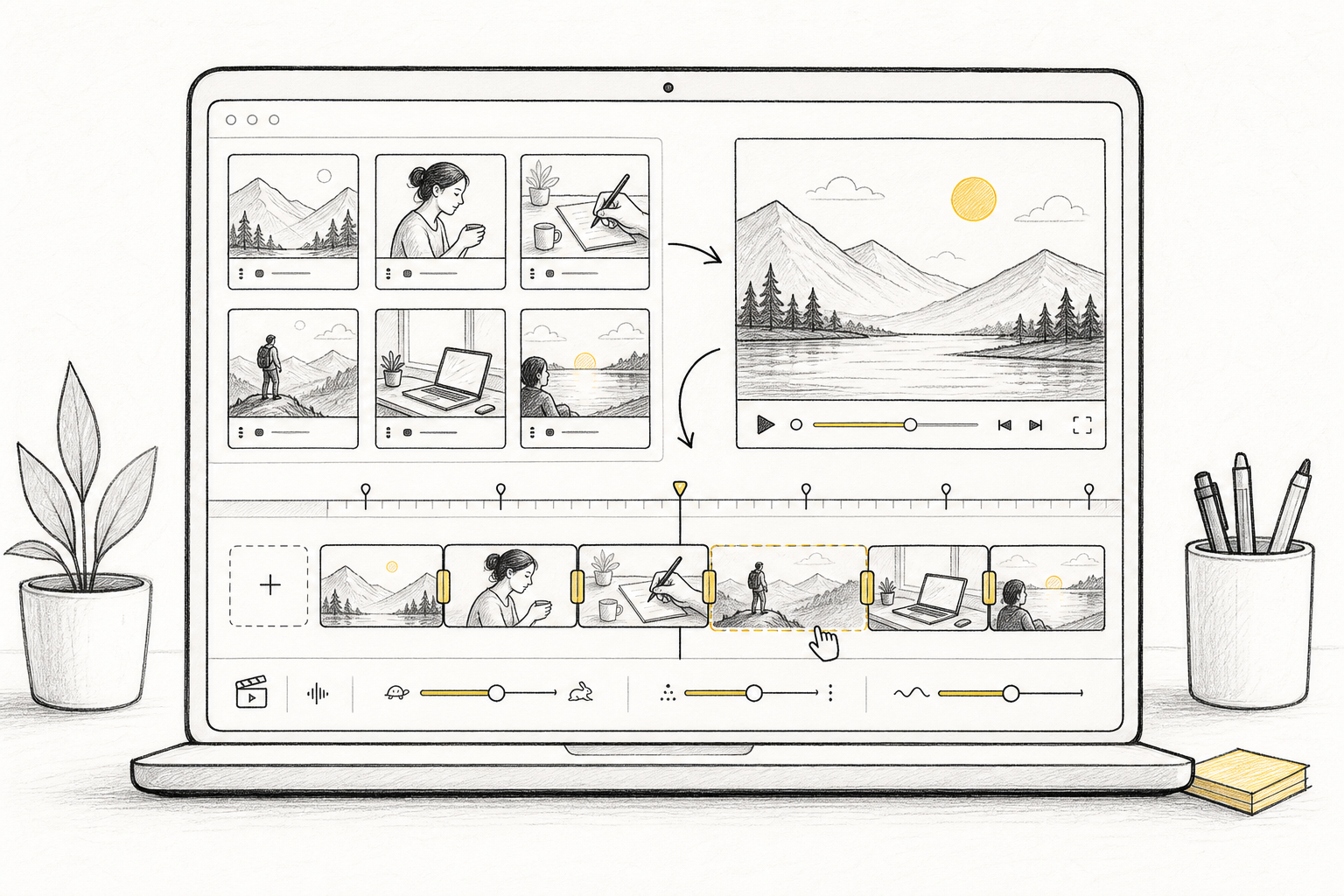
Generate images, B-roll, and video assets for each shot, so the storyboard moves straight into editable material.
Who it is for
MkBoard does not force you into a professional studio workflow. It is built for creators and small teams that need an Agent to decide what this segment should show, what video to generate, and who it is for.
Let the Agent plan hooks, turns, proof, and endings, then fill them with B-roll video.
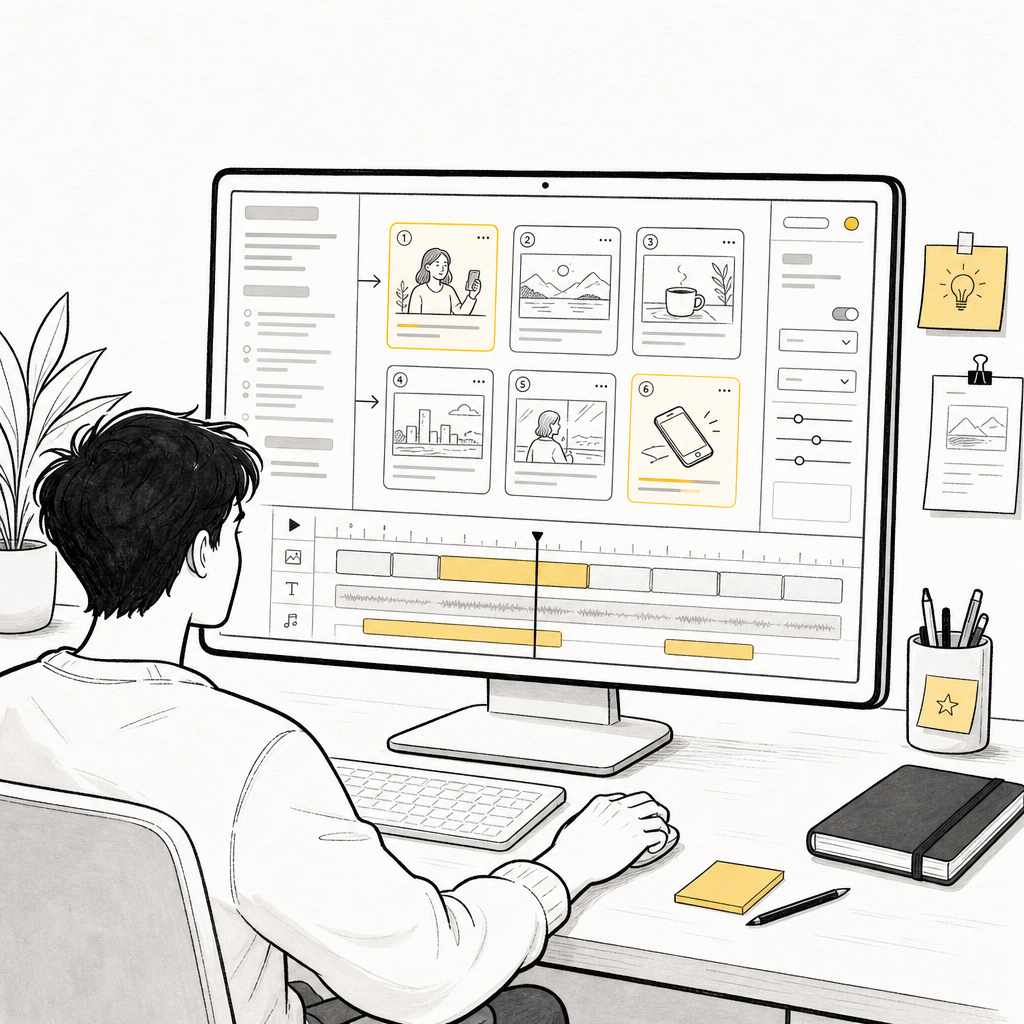
Generate explanatory visuals, cutaways, and B-roll video from what you teach.
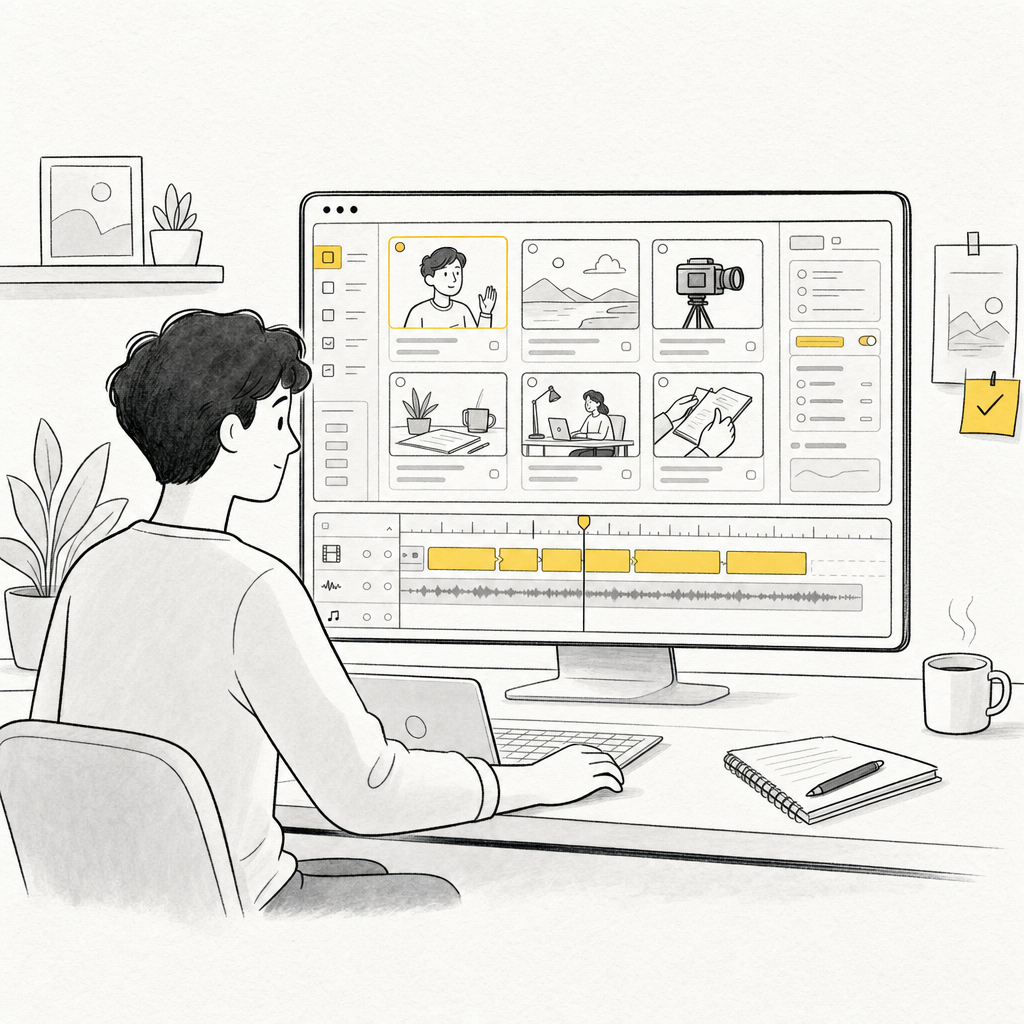
Organize characters, scenes, and actions, then generate matching shot videos.
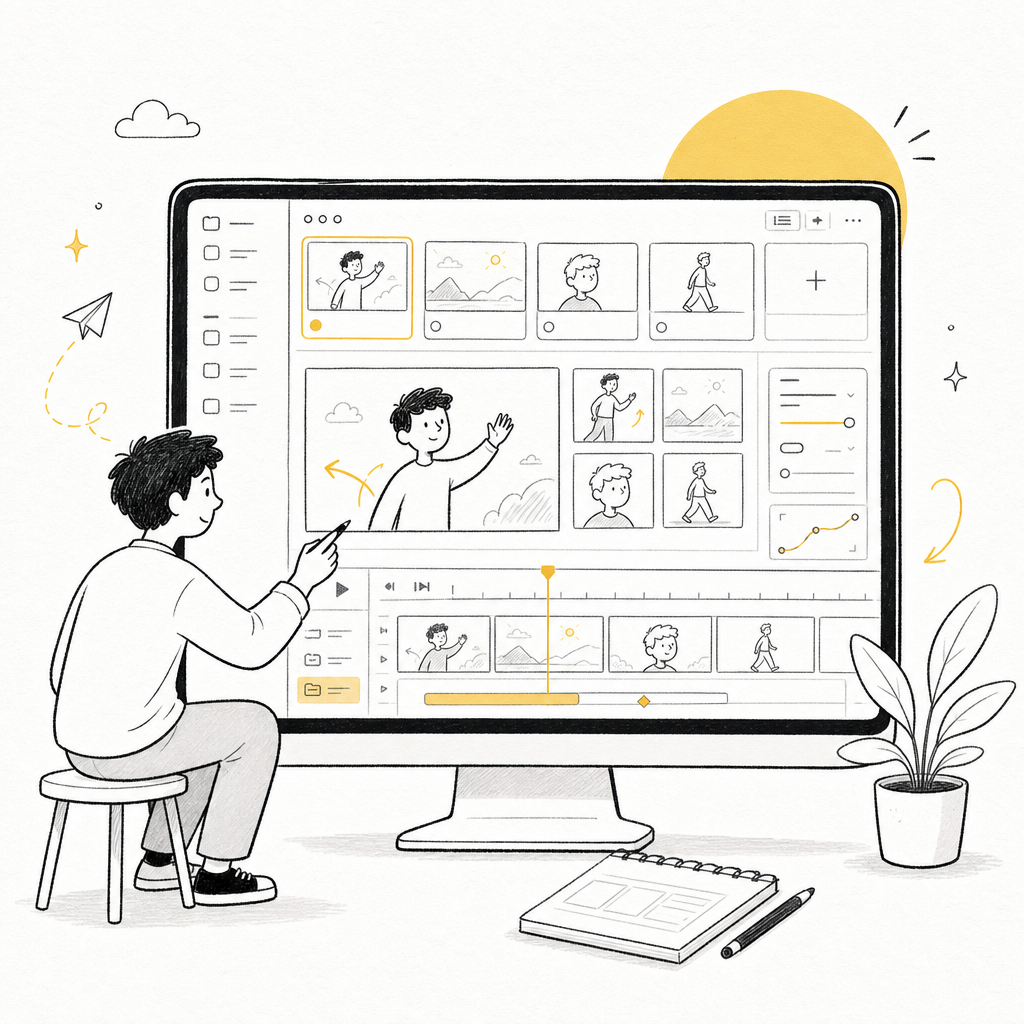
Turn selling points and scenarios into editable generated video assets.
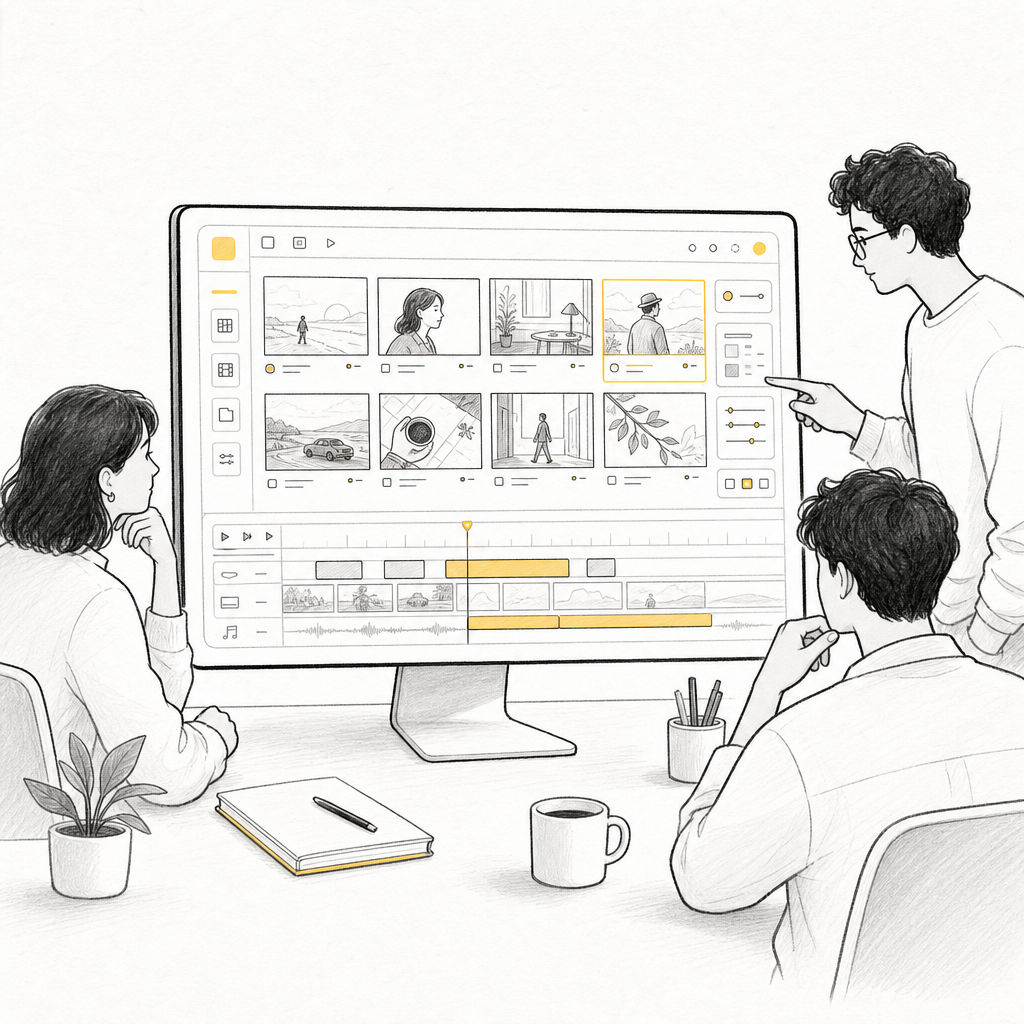
Choosing an Agent
Recognizes A-roll, B-roll, pacing, and visual intent.
Sends shot tasks to models like Seedance and ChatGPT Image.
Moves beyond static storyboards into B-roll video assets.
FAQ
It reads talking-head, story, course, or ad scripts, intelligently splits them into A-roll and B-roll shots, and uses models like Seedance and ChatGPT Image to generate images and B-roll video assets.
No. MkBoard keeps the process controllable: it turns scripts into shots, generates editable B-roll video assets, then lets you refine shots, assets, pacing, and versions.
Yes. Start with text. The AI plans shots that are suitable for generation, then creates images or B-roll video assets.
Content creation often involves local assets, long scripts, and repeated revisions. A desktop app gives the Agent a steadier place to read, organize, and preview project context.
Yes. You can keep the storyboard structure, script, and assets organized in one project, then export or continue production as needed.
MkBoard supports Apple silicon Macs and Windows 10/11 x64. Intel Macs are not supported yet.
Import a script and let the AI Agent create the storyboard for you.